ExpertSlides Review: PowerPoint Add-in for Faster, Better Presentations
ExpertSlides is a powerful add-in for Microsoft PowerPoint, built as a Microsoft partner product, It’s designed to help you build professional presentations faste. Giving you instant access to templates and visual assets inside PowerPoint, without the usual hunting, downloading, and formatting.
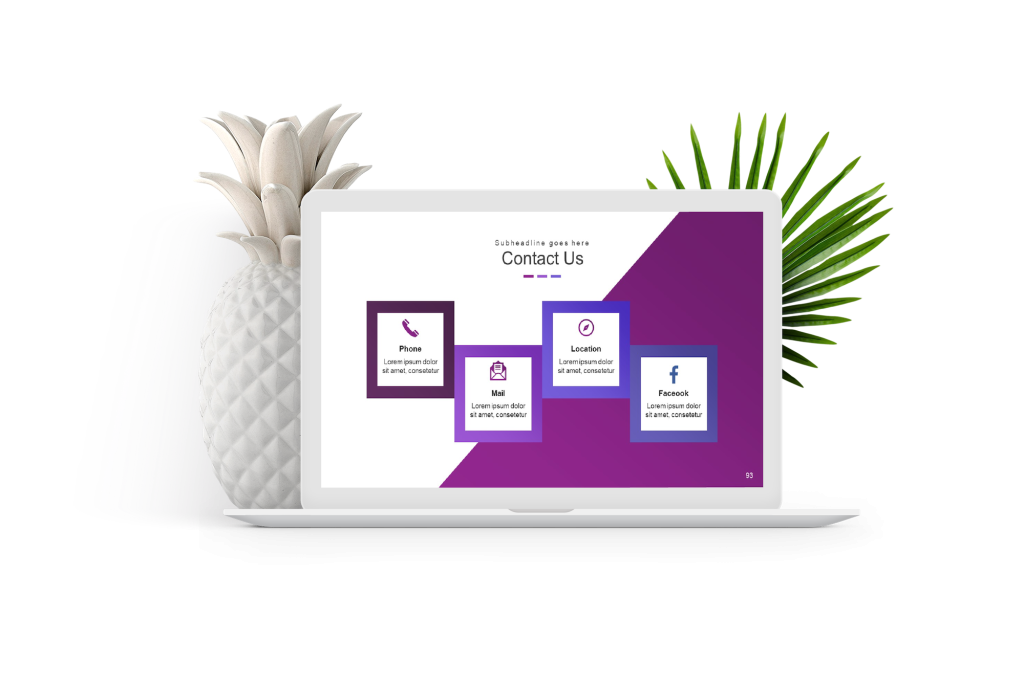
One-click installation is one of the key benefits. Because it installs directly into PowerPoint, setup is straightforward and user-friendly: install, open PowerPoint, and start using ExpertSlides immediately.
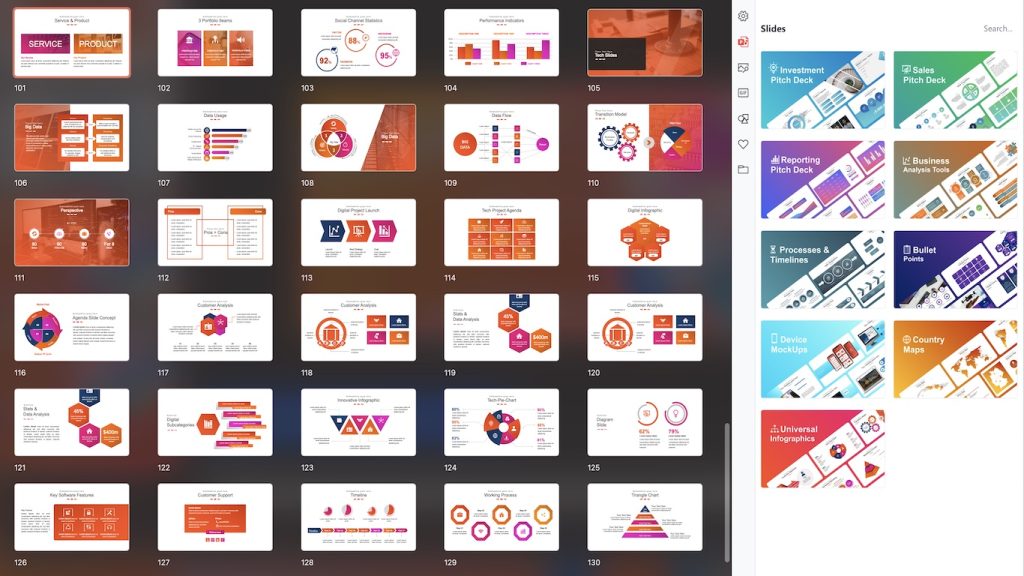
What you get: 1000+ slide templates for almost any use case
ExpertSlides includes over 1000 professionally designed slide templates covering a wide range of presentation types and industries. Whether you’re self-employed, working in a corporate team, building decks for a non-profit, or preparing educational materials, the goal is the same: start from a strong foundation and adapt from there instead of designing from scratch.
- Self-employed / freelancers: proposals, portfolios, client reports
- Corporate: strategy decks, internal updates, sales enablement
- Non-profits: impact reporting, donor decks, campaign presentations
- Education: lectures, lesson slides, student presentations
Massive visual asset library: images, GIFs, and icons
Beyond templates, ExpertSlides adds a large asset library intended to improve visual clarity and speed up deck creation. The library includes:
- 7 million stock images
- 500,000 GIFs
- 60,000+ icons
This matters because the “last mile” of presentation quality is usually visuals: consistent icons, clean imagery, and well-chosen illustrations. Having those inside PowerPoint reduces friction and keeps your workflow focused.
Customization: make it match your brand fast
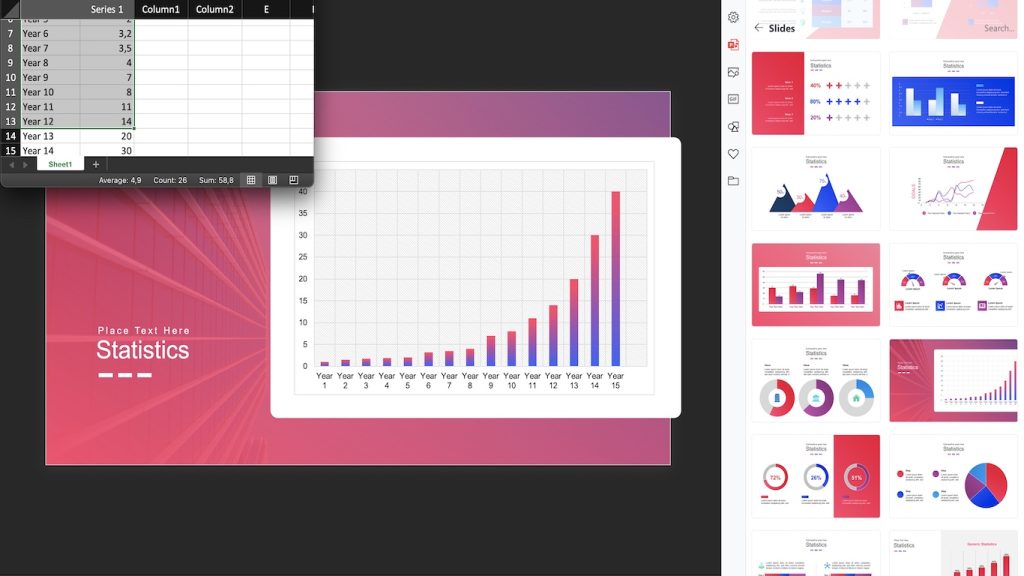
ExpertSlides is built around quick customization, so you can adapt slides to your corporate identity or personal style without rebuilding layouts. Key features include:
- One-click colour changes to quickly align slides with brand palettes
- Placeholder image replacement so you can swap visuals without breaking spacing
- Custom logo integration to keep decks consistent and professional
If you’re producing multiple decks per month, these “small” adjustments add up to real time saved, especially for repeatable formats (weekly updates, sales decks, recurring reports).
Cloud storage + favourites: speed up repeat work
ExpertSlides also includes workflow features that help once you’ve built a library you like:
- ExpertSlides Cloud for storing your own files (images, logos, finished presentations) for quick reuse
- Favourites to save preferred slides and reuse them across projects
This is particularly useful for teams that want consistent deck structure across clients, departments, or recurring meetings.
ExpertSlides Pro: expanded access
The Pro version expands your access to more templates and a larger portion of the images, GIFs, and icon library. If you’re building presentations frequently (or need more variety across industries), Pro is typically the tier that makes the tool feel “unlimited” day-to-day.
Dark mode: easier on your eyes
Finally, ExpertSlides supports dark mode, which is a practical benefit for anyone working in low-light environments or simply preferring a darker interface to reduce eye strain during long editing sessions.
Verdict: who ExpertSlides is best for
ExpertSlides is most valuable for people who create presentations regularly and want speed without sacrificing quality: business users, founders, consultants, educators, and teams that need consistent decks. If you live in PowerPoint, the one-click templates + built-in asset library + fast customization can remove a lot of repetitive work.
Affiliate disclosure: This page contains affiliate links. If you choose to buy through them, we may earn a commission at no extra cost to you.